
House hunting can really take over your life - endless scrolling through listings, making enquiries and going from one open home to the next. And when that special property comes along, being quick off the mark matters. That’s where First Look comes in.
Get in early: See selected Barfoot & Thompson properties as soon as they are listed.
Let the matches come to you: Save your preferences and receive personalised alerts when a First Look property matches your search – no need to keep checking.
Make your move sooner: Ask questions, arrange a viewing or talk to the salesperson about making an offer.
Free to join: Register and browse all First Look properties at no cost.
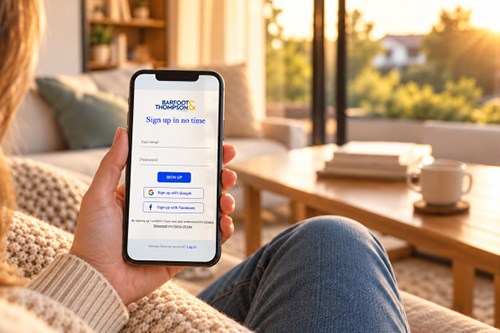
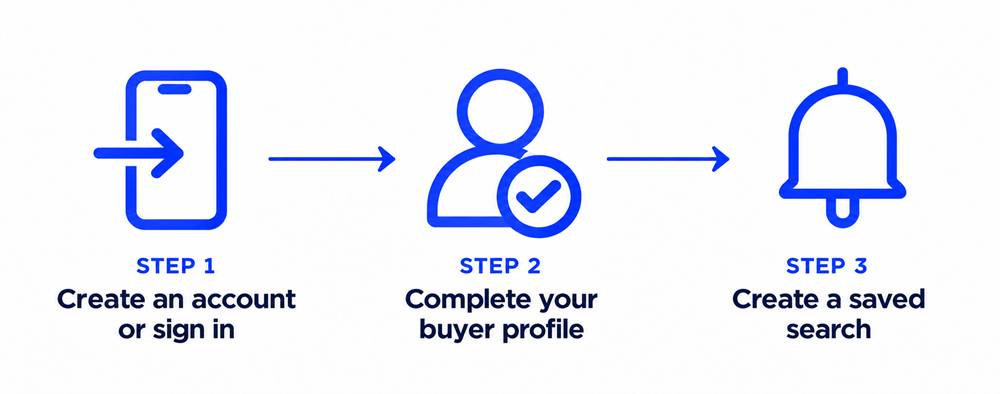
Register for free, complete your buyer profile and create a saved search using your preferred location, price range and property features. We’ll email you when a First Look property matches your search, giving you the chance to enquire, arrange a viewing or make an offer.
If you already have a Barfoot & Thompson account, all you have to do is sign in and make sure your details and saved searches are up to date.
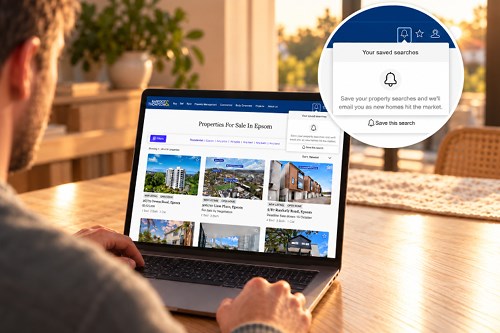
Enter your preferred location in the search bar here and use the filters to select your property preferences. Select Search, then select the bell icon marked Save this search at the top right of the results page.

Receive property alerts
As part of your profile set up, you can choose daily, weekly or open-home alerts. We’ll email you when new properties meet your criteria.

Stay in sync
Your profile and saved searches will sync across barfoot.co.nz and our Apple and Android apps.
Ready for your First Look?

Already have a Barfoot & Thompson account?

Questions? Learn more about buying with First Look here.